From Meetings to Insight
Go beyond what was said.
SSW Tiger surfaces the signals hidden inside your meetings.
You can understand, decide, and move forward with confidence.
How SSW Tiger Works
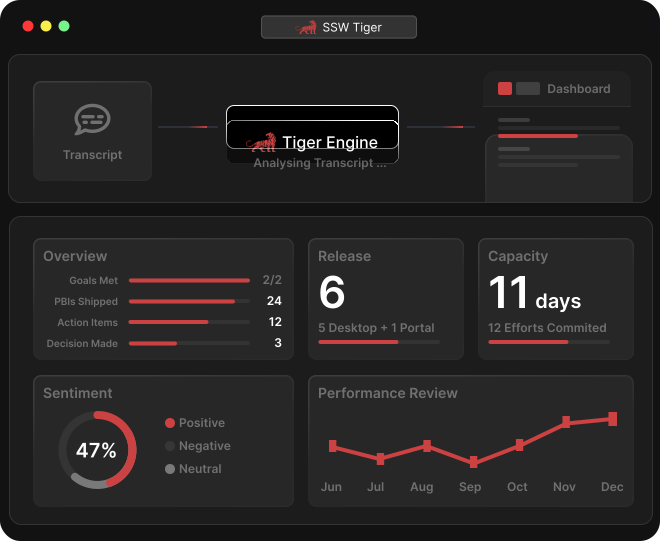
Tiger's fully automated pipeline currently integrates with Microsoft Teams. Once your meeting finishes, the transcript is automatically picked up by Tiger.
Tiger's AI reads through the full transcript, understanding context, identifying who said what, and extracting key decisions and instructions.
Receive a clear summary of action items, decisions made, and follow-ups needed. No more rewatching recordings or scrolling through notes.
Frequently Asked Questions
Tiger's fully automated pipeline currently integrates with Microsoft Teams. If you have a transcript file from another platform, you can also process it manually through the CLI.
Yes! You can modify the AI prompt to tailor what Tiger looks for in your transcripts. Check out our documentation on how to modify prompts to suit your needs.
Talk to a SSW Tiger Expert
Want to see SSW Tiger in action? Book a 30-minute call with an expert and see a demo!
SCHEDULE A CALL